Add a table to your form
Let respondents enter structured data in a spreadsheet-like block — multiple rows and columns — or rate several topics in a choice matrix. You host the HTML; MyFormCapture stores the submission.
Overview
Tables collect repeating lines (an order list, an expense breakdown, a staff directory). Respondents can add more rows. A choice matrix is different: rows are statements, columns are the same scale (for example 1–5 satisfaction).
- Collect an order list
- Request an expense breakdown
- Run a satisfaction or CSAT survey
- Create a small staff or attendee directory
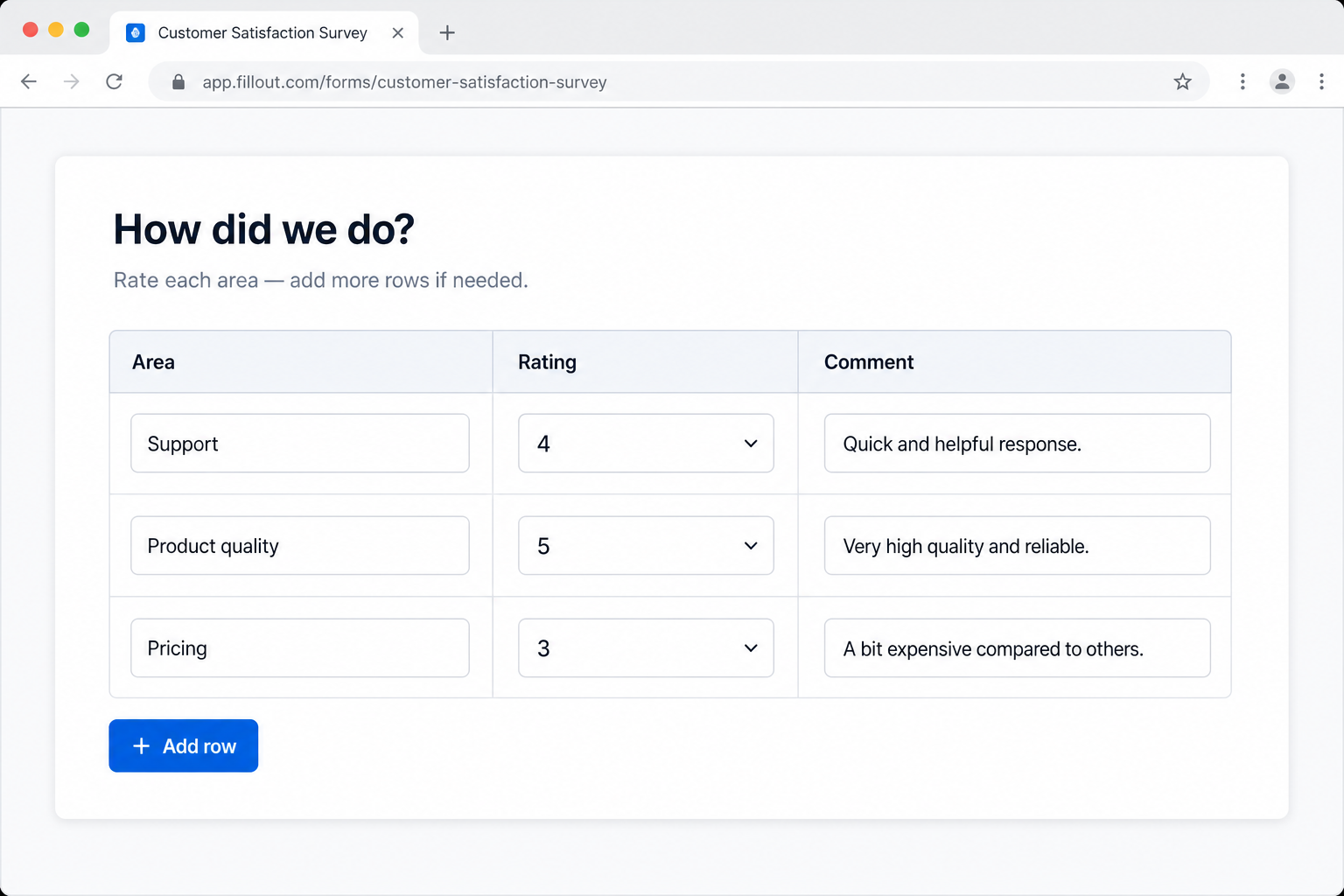
Table vs choice matrix
| Table | Choice matrix | |
|---|---|---|
| Columns | Mixed types (text, email, date, dropdown, number) | Same scale on every row (radios) |
| Add rows | Yes — respondent adds lines as needed | No — you define the statements |
| Best for | Orders, expenses, directories | Feedback, satisfaction, Likert |
Connecting table cells to Zapier/Make field-by-field is not a special integration — the POST is a normal form. Use the table_rows JSON field in automations, or individual row_1_item names.
How to add one with AI
MyFormCapture does not ship a drag-and-drop table widget. You add the markup to HTML you host. The prompt below tells ChatGPT, Claude, or Gemini exactly how — for a new form or to insert into HTML you already have.
The Open buttons copy first, then ask you to paste (Ctrl+V / Cmd+V).
Column types (table)
Keep cell types simple so the form stays usable on a phone:
- Short answer
- Date
- Dropdown
- Number
Do not put file uploads inside table cells. Put a file field outside the table if you need attachments.
After you have the HTML
- Save as
index.html(or paste the table into your existing page’s<form>). - Create a MyFormCapture form and replace
YOUR_FORM_UUID. - Add your site domain in form settings. Include
nameandemailso submissions can become leads.
Full markup rules: form-tables.md. Want a whole form from a prompt? AI Form Builder.