Online Poll Maker: Anonymous, One Vote, Preview, Hosted on Your Website
Create a short poll as HTML you host yourself. Anonymous by default, one vote per browser, test before you publish. No branding unless you want a credit. You get the traffic. We save the votes.
MyFormConnect Team
9 min read
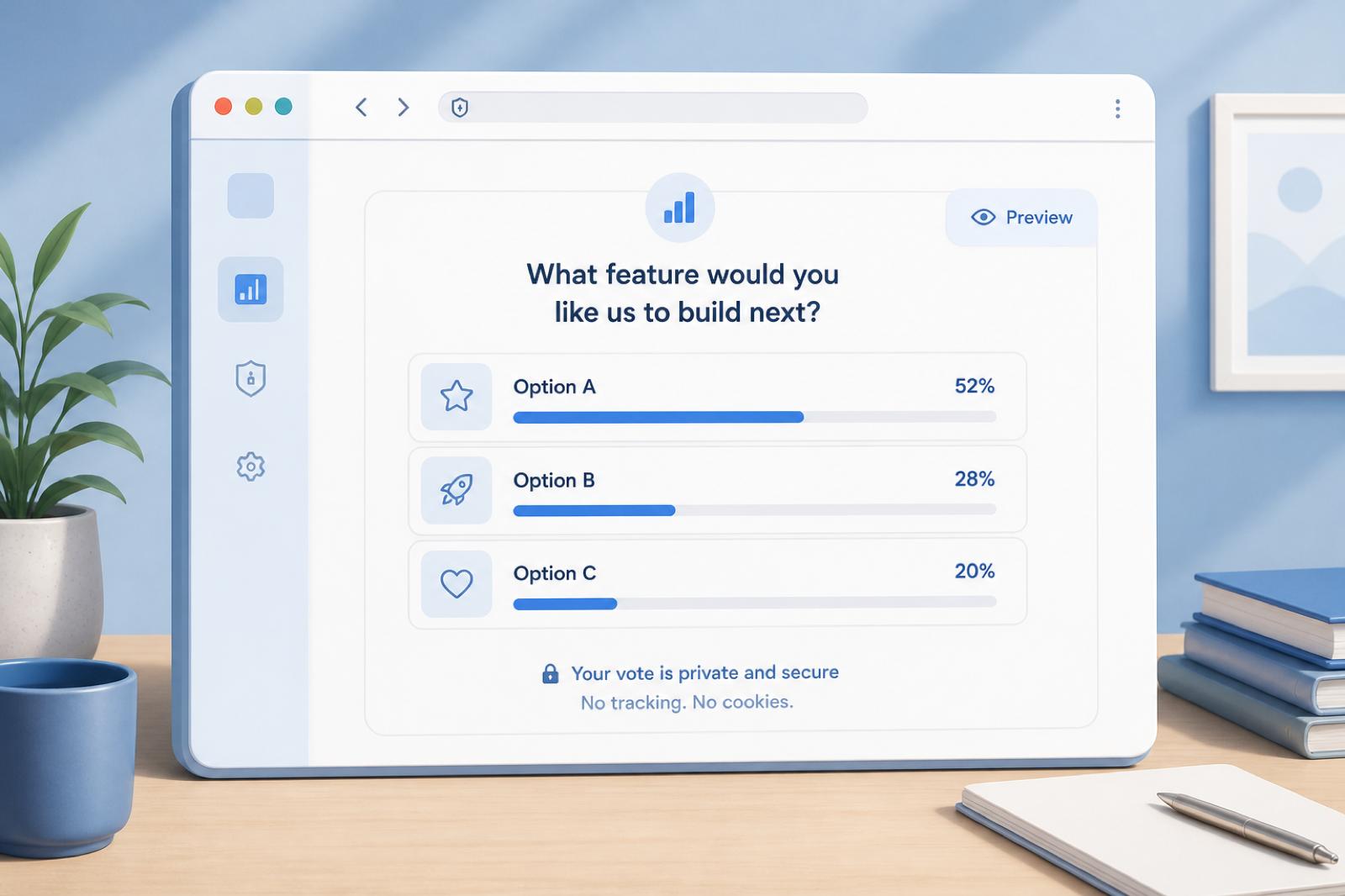
Build a poll you host yourself
Anonymous, one-time vote, test before you publish.
The HTML lives on your site. Visitors never leave. Branding is off unless you add a credit. MyFormCapture stores the vote if you want a record.
TL;DR
- A poll is one question, a few options, and a result. It should not need an account to vote.
- Preview and test before you publish. A test vote must not lock the one-vote flag and must not POST.
- Host the file on your website. You get the visits. We save the records if you attach a form UUID.
- No branding unless you want a credit line.
Why a short poll beats a long survey
Polls are for a decision you need this week: which feature, which date, which headline. Keep it to one question when you can, five at most. People finish them. Long surveys do not belong in a sidebar.
Settings that actually matter
Anonymous responses
If you do not need a name, do not ask. Anonymous polls get more honest answers. Store the choice, not a profile.
One vote
One vote per browser is a fairness tool, not a legal identity check. Say so. It is enough for a blog, a team, or an event page.
Preview and test
After you generate the page, click through as a voter. Use Test vote. Check wording, option order, and the locked state. Then publish.
Host on your website
Embed the HTML, or drop the file next to a blog post. People stay on your domain. Search and sharing point at you, not at a poll vendor.
Where polls earn their keep
- Audience engagement on a post or newsletter
- Internal votes (lunch, sprint name, office day)
- Event choices (time, format, food)
- Product direction with a tiny sample, not a 40-question survey
Keep rating scales consistent if you ever add more than one question. Mixed scales make the results hard to read.
Privacy-first
No tracker pixels in the generated page. No required account. Optional save is one POST. Skills: SKILL.md, online-poll.md.
FAQ
Can a poll be anonymous?
Yes. Do not ask for a name or email. One POST of the choice is enough to store a vote.
How do I limit people to one vote?
The generated page can lock a real vote in the browser. That is not a national ID check. It is enough for casual polls. Test votes must not lock.
Can I preview before I publish?
Yes. The prompt requires a Test vote that does not POST and does not count as the one-time vote.
Where should I host it?
On your website. You keep the traffic and the conversation. We only store the record if you add a form UUID.
Store votes without owning the page
You host. We keep the submission. Branding stays off unless you want credit.
Create your form